Executive Read
If you only have a minute, here's what you need to know.
- CLI and MCP are not competing technologies. They solve different problems at different points in your AI architecture.
- CLI is how an AI agent acts as one of your employees, using your systems, your credentials, your tools.
- MCP is how an AI agent acts on behalf of someone else — a customer, a partner, another organization — through a governed and auditable channel.
- The question that determines which one you need is simple: who does the agent work for?
There is a debate running through enterprise technology right now about which approach to use when connecting AI agents to the tools and systems they need. CLI on one side, MCP on the other. Teams are picking sides. Architecture reviews are getting long.
Here is a simpler frame: these two things are not in competition. They are designed for different situations. Once you understand the difference, the choice usually makes itself.
Start with a simple scenario
Imagine you have a new employee starting on your IT team. On their first day, you give them a laptop, set up their accounts, and grant them access to the systems they need. When they pull a report from Azure or check on a deployment, they log in with their own credentials and run the task. They are acting as themselves, inside your organization, using access you granted them.
Now imagine a different scenario. A customer calls your support line. Your AI agent needs to look up that customer's account details in Salesforce, check their billing history, and update a ticket. That customer's data lives in systems with strict access controls. The agent cannot use a generic credential. It needs to access the right data, for the right person, with a full record of what it touched and why.
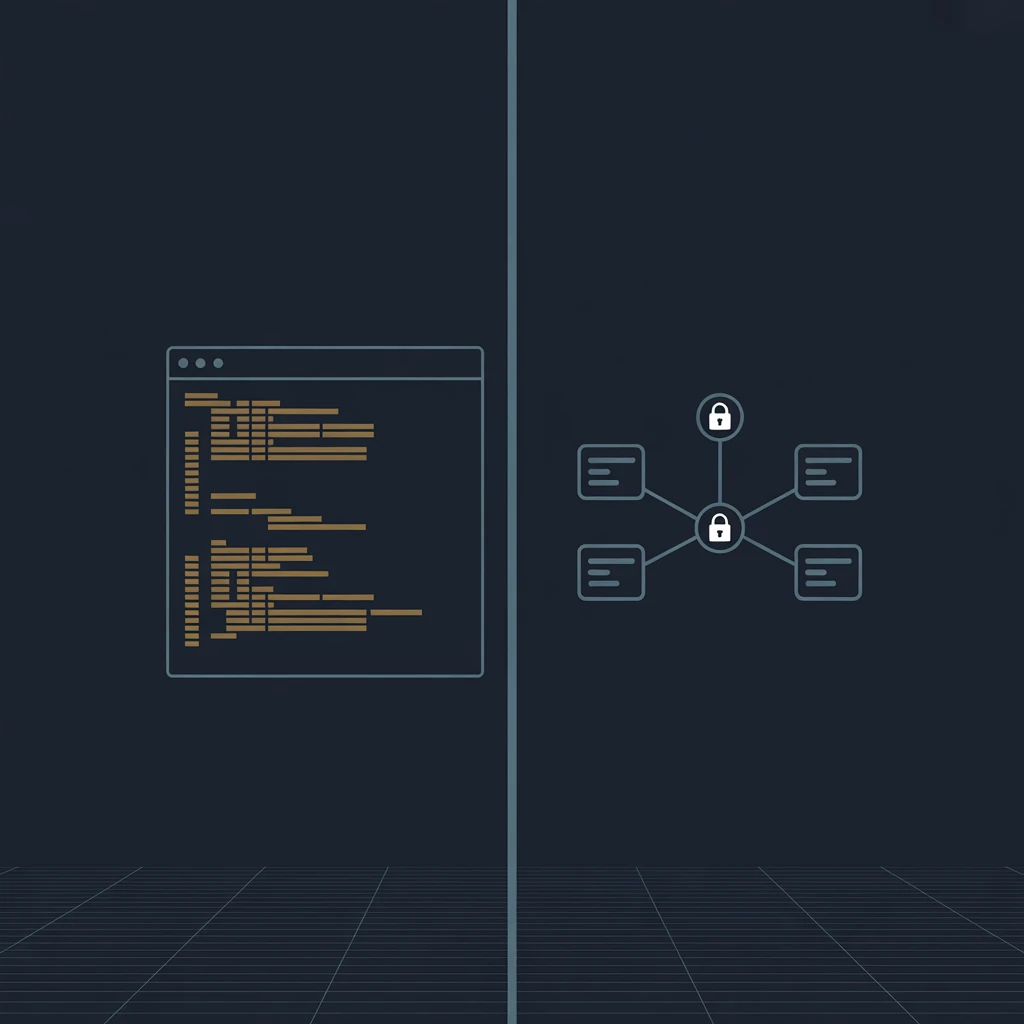
These two scenarios require different architectures. The first is what CLI is built for. The second is what MCP is built for.
What CLI actually is
CLI stands for Command Line Interface. Tools like az for Azure, gh for GitHub, and aws for Amazon Web Services are CLIs. They are programs that sit on a machine and execute commands using whoever is logged in.
When an AI agent uses a CLI tool, it does what your developer would do if they typed the command themselves. Same credentials, same access level, same speed. There is no middleman.
This is fast, reliable, and inexpensive to run at scale. It works well when the agent is doing work on behalf of your own people, inside your own systems.
What MCP actually is
MCP stands for Model Context Protocol. Anthropic released it as an open standard in late 2024, and within about a year every major AI platform had adopted it, including OpenAI, Google, and Microsoft. It was donated to the Linux Foundation in December 2025 as a neutral home for long-term governance.
MCP creates a structured channel between an AI agent and an external service. Instead of the agent using a stored credential, the external service authenticates the user, decides what the agent is allowed to do, and keeps a log of every action. The agent never holds a password or a key. The service stays in control.
Think of it like the difference between giving someone a copy of your house key versus installing a smart lock. With the key, they have access until you get the key back. With the smart lock, you grant access for specific times, see a log of every entry, and revoke it from your phone whenever you want.
MCP is the smart lock model for AI agents.
The one question that clarifies everything
Before choosing an approach, ask: who is this agent working for?
If the agent is working for your organization, running internal tasks using your systems and your team's access, CLI is usually the right starting point. It is simpler to set up, costs less to run, and AI models already know how to use most major CLI tools well.
If the agent is working on behalf of a customer, a partner, or anyone outside your organization, MCP is built for that scenario. It handles authentication, manages permissions per user, and produces the audit trail that regulated industries require.
Most enterprise AI architectures end up using both. Internal developer tooling, infrastructure management, and data pipelines tend to run on CLI. Customer-facing products, cross-organizational workflows, and anything touching regulated data tend to run on MCP.
Why this debate is happening right now
Here is the honest reason this conversation has gotten loud: token costs.
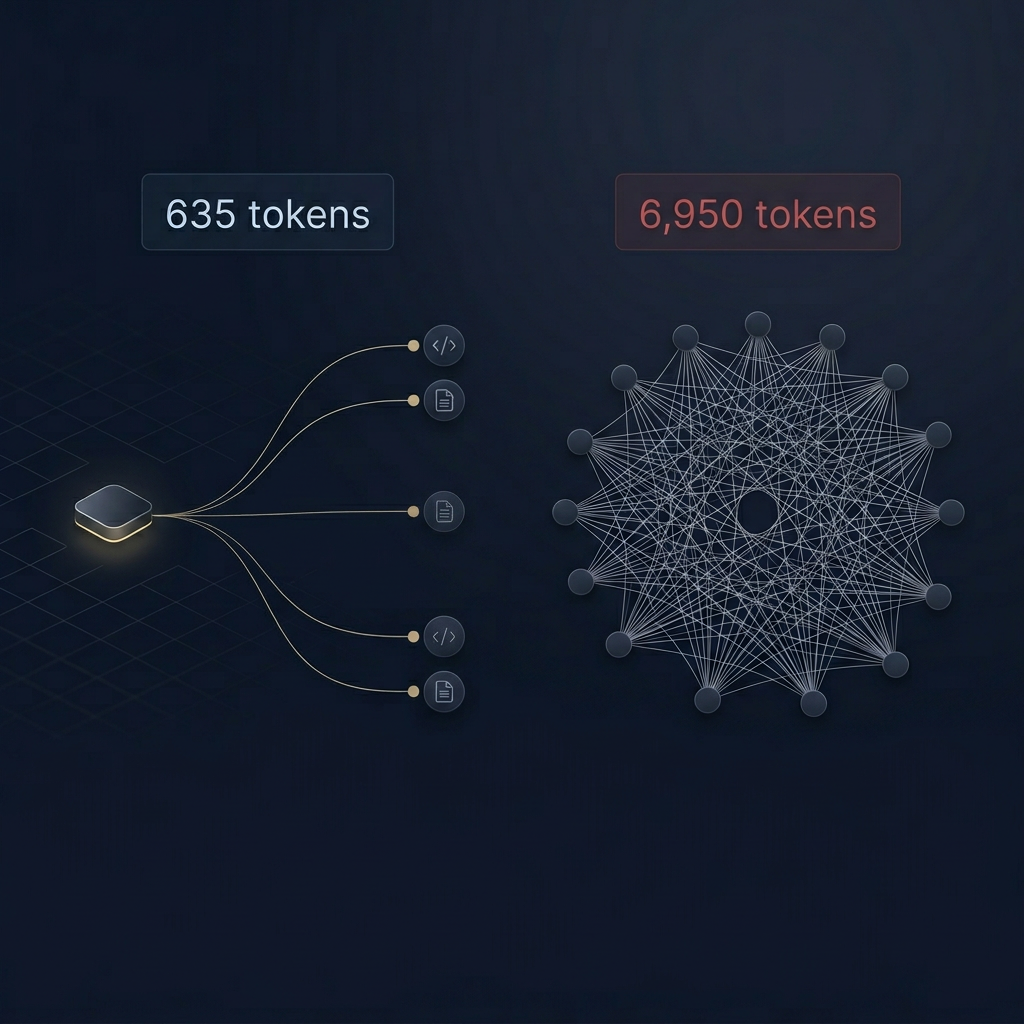
Every time an AI agent does something, it consumes tokens. Tokens are what you pay for. And the difference in token consumption between CLI and MCP is not subtle.
A CLI-based agent completing a typical task — say pulling a list of open pull requests from a GitHub repository — processes around 500 tokens. The same task through GitHub's MCP server processes roughly 44,000 tokens, because MCP loads a full catalog of every available tool into context before doing anything. All 43 of GitHub's tools get loaded even if the agent only needs one of them.
That is an 88x difference per operation.
For a solo developer or a small team running a few dozen agentic tasks a day, this is barely noticeable. But development teams using AI agents at scale, running hundreds or thousands of operations daily, are seeing this show up in their bills. That is what started the debate. Engineers noticed their internal tooling was dramatically cheaper when built on CLI, and started asking why their teams were reaching for MCP by default.
The answer, in most of those cases, is that MCP had more visibility. It launched with broad industry backing, got covered heavily, and became the default recommendation in a lot of early AI agent guidance. CLI was already there, doing its job quietly, the way it always has.
For internal developer tooling, infrastructure automation, and data pipelines where your team controls the credentials, CLI is almost always the more cost-efficient architecture. The token savings compound fast.
On the compliance side, the calculus changes completely. For any agent touching customer data or crossing organizational boundaries, MCP is not overhead — it is a requirement. Scoped permissions, structured audit logs, and user-level authentication are what let enterprise IT departments approve these systems for production use. No amount of token savings justifies skipping that when the use case demands it.
What good looks like in practice
The organizations getting this right are not debating CLI versus MCP. They are asking the architectural question first and letting the answer guide the approach.
A regional bank building an internal agent to help engineers manage cloud infrastructure uses CLI. The agent runs as a service account, operates inside the bank's Azure environment, and costs very little to run at scale.
A SaaS company building an AI-powered support product that accesses each customer's own account data uses MCP. Every action is scoped to that customer's permissions. Every access is logged. The product passes security reviews because the architecture was designed for it from the start.
Both approaches work well. They are just working on different problems.
A practical starting point
If you are early in your agent architecture decisions, a useful rule of thumb: use CLI for anything internal, and design for MCP from the start for anything customer-facing or cross-organizational.
There is also a technique worth knowing about. A well-written skills file — a short document that tells an AI agent exactly how to use a CLI tool effectively — reduces the number of steps an agent takes and cuts response time noticeably. It is a lightweight way to get better performance out of CLI-based agents before adding more infrastructure.
Both CLI and MCP are going to be part of how enterprises run AI agents for the foreseeable future. The teams that understand when to use each one will build things that work in production, not just in demos.
Matthew Kruczek is Managing Director at EY, leading Microsoft domain initiatives within Digital Engineering. Connect with Matthew on LinkedIn to discuss AI architecture strategy for your organization.